ShapeLoop — Animated shape overlays
for DaVinci Resolve
Skip the Fusion complexity. Create animated shape overlays and spotlight effects in seconds — export as MOV ProRes 4444 with transparency, import to your timeline.
Why Simple Shapes Take Forever in Resolve
Fusion is powerful but complex
Node-based compositing is overkill for a simple pulsing circle. Learning curve is steep for basic motion graphics.
Switching pages breaks flow
Edit page → Fusion page → add nodes → animate → back to Edit. Context switching kills productivity.
No preset shape animations
Built-in generators exist but no animated overlays. Every animation must be built from scratch in Fusion.
Macros are a rabbit hole
Creating reusable Fusion macros for shapes? Hours of work. And sharing between projects is still clunky.
Different Tools, Different Strengths
DaVinci Resolve is the industry standard for editing. ShapeLoop is specialized for animated overlays. Use both.
- Shapes via Essential GraphicsRectangle, Ellipse tools → keyframe Scale, Position, Opacity
- Animations possible~20-30 minFull control but requires manual keyframing each time
- Industry standard for video editingTimeline editing, color grading, audio mixing — complete package
- Free & Studio versionsFree or $295 one-time (Studio)

- No keyframes neededSelect shape → pick from
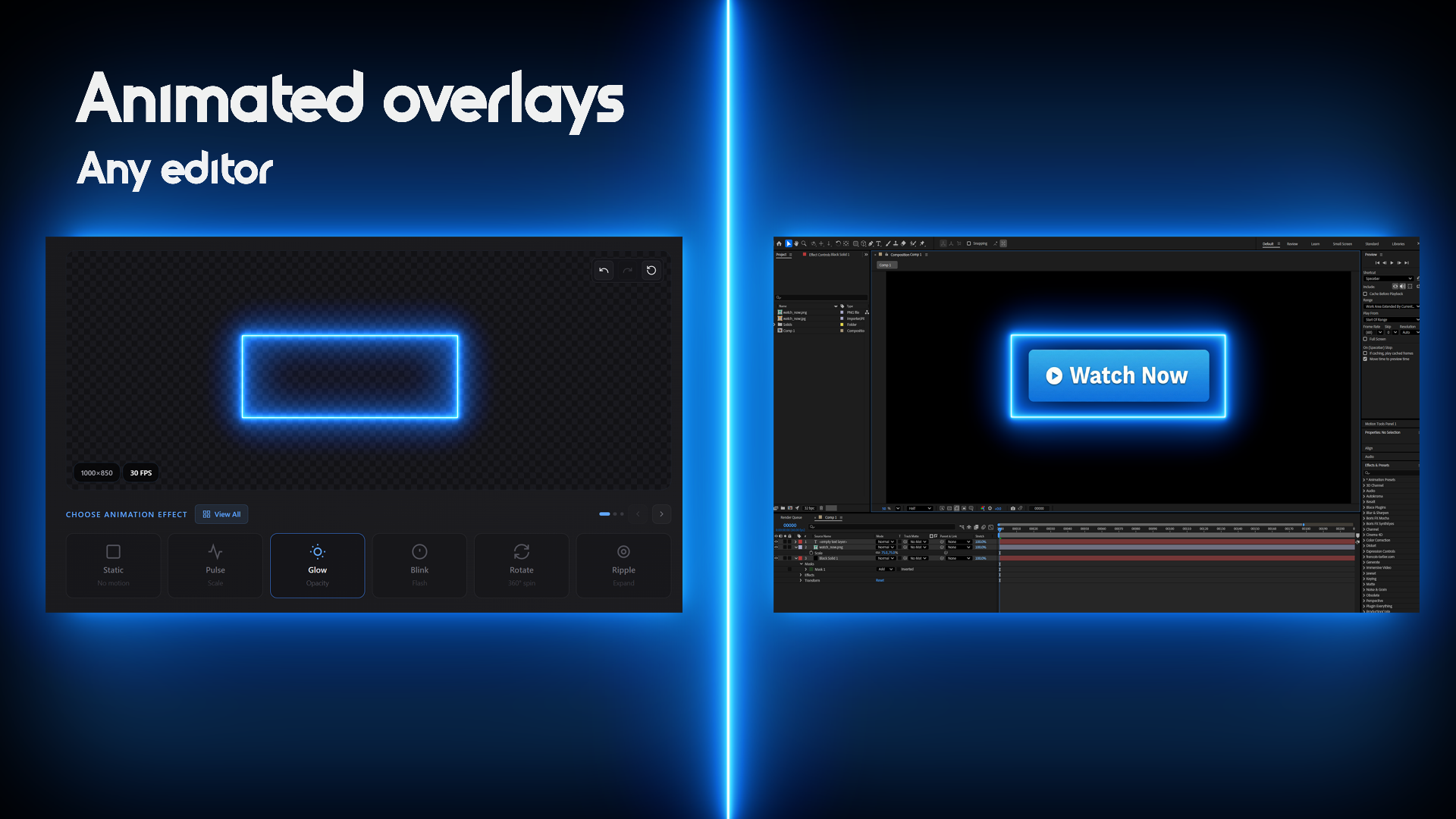
- Any shape in ~30 seconds~30 secAdjust parameters → pick effect → export. Reusable in any project.
- No After Effects requiredGlitch, neon trace, double-ripple — effects that would need AE
- MOV ProRes 4444 with alpha transparencyImports perfectly as overlay track in DaVinci Resolve
Better Together
ShapeLoop doesn't replace DaVinci Resolve — it eliminates the tedious parts. Create your animated overlays in ShapeLoop, import as media, drag onto overlay track. Professional results, fraction of the time.
Why DaVinci Editors Choose ShapeLoop
Get back to editing. Stop wasting time on simple overlays.
30 Seconds vs 30 Minutes
No Essential Graphics. No keyframes. No After Effects. Just pick, customize, download.
Skip the AE Roundtrip
Effects that normally require After Effects — glitch, neon, ripple — ready in seconds. No Dynamic Link needed.
ProRes 4444 Ready
1080p & 4K export with true transparency. Import as media, drag to overlay track — instant overlay.
Create Once, Use Everywhere
Pick Shape
Circle, rectangle, or ellipse
Choose Color
Any HEX, match your brand
Select Effect
Pulse, glow, rotate & more
Download
Import into DaVinci Resolve
Any Color. Your Brand.
Enter any HEX code and get animated shapes that match your client's brand guidelines perfectly. No more "close enough" color matching.
- Full HEX color picker
- Adjustable border thickness (2-15px)
- Custom width & height
- Consistent across all projects
What DaVinci Editors Use ShapeLoop For
Real workflows from real video professionals
Corporate Training Videos
Highlight software UI, emphasize key points, guide viewers through complex workflows with animated shape overlays.
Client Presentations
Brand-matched animated overlays for pitch videos and keynotes. Impress clients without the AE roundtrip.
YouTube Content
Consistent callout style across all videos. Build once, reuse forever in your project library.
Tutorial Production
Screen recordings with animated focus areas. Guide viewers' attention without complex motion tracking.
Product Videos
Highlight features, prices, and CTAs with animated attention-grabbers. Perfect for e-commerce.
Social Media Edits
Quick turnaround on Instagram Reels, TikToks, and Shorts. Fast overlays for fast content.
Professional Shapes, Endless Possibilities
Every shape you need, with animation effects that look broadcast-ready
Rectangle
UI highlights, text boxes • Pulse
Circle
Icons, focal points • Glow
Ellipse
Text emphasis • Rotate
Rounded Rectangle
Modern UI, buttons • Glitch
MVP Launch — This is our initial release with core functionality. More shapes, effects, and features coming soon based on your feedback!
Common Questions from DaVinci Users
Ready to Speed Up Your Workflow?
Join professional editors who save hours every week with ShapeLoop.